Memzuoix Wireless Mouse & PC Accessories

Upgrade your setup with Memzuoix wireless mice, keyboards and essential PC accessories. Easy to connect, plug & play and compatible with most devices for everyday work and home use.

Top Categories

Memzuoix offers a wide range of computer accessories designed for everyday use. 
From wireless mice and keyboards to monitors and creative tools, each product is built for simplicity, compatibility and performance.

Small Wireless Mouse

Compact and portable wireless mouse for everyday use, perfect for laptops and travel.
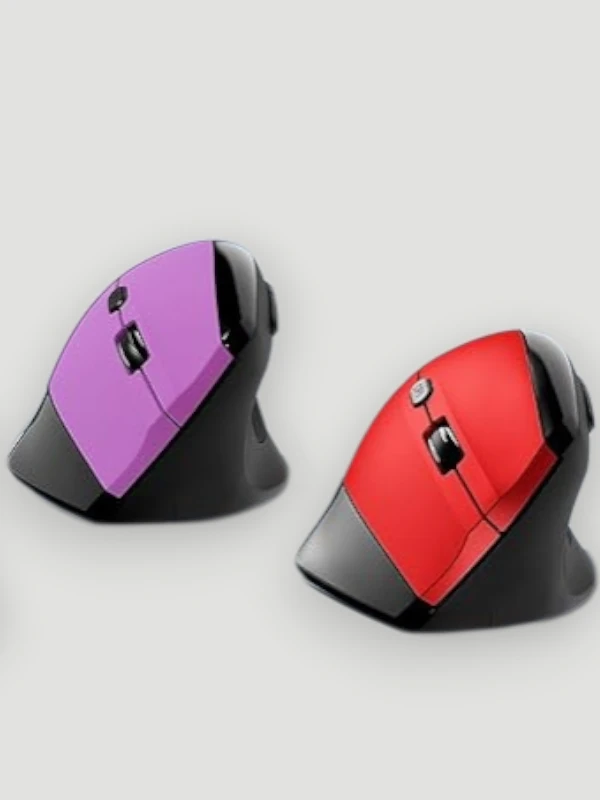
Ergonomic Mouse

Comfortable ergonomic mouse designed to reduce strain and improve productivity during long sessions.
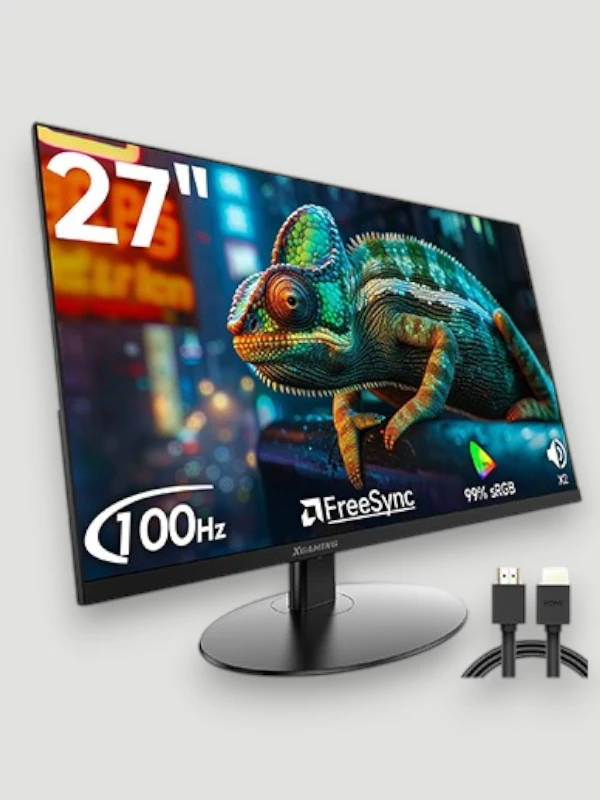
Computer Monitor

High-quality monitors for clear visuals, smooth performance and a better working experience.
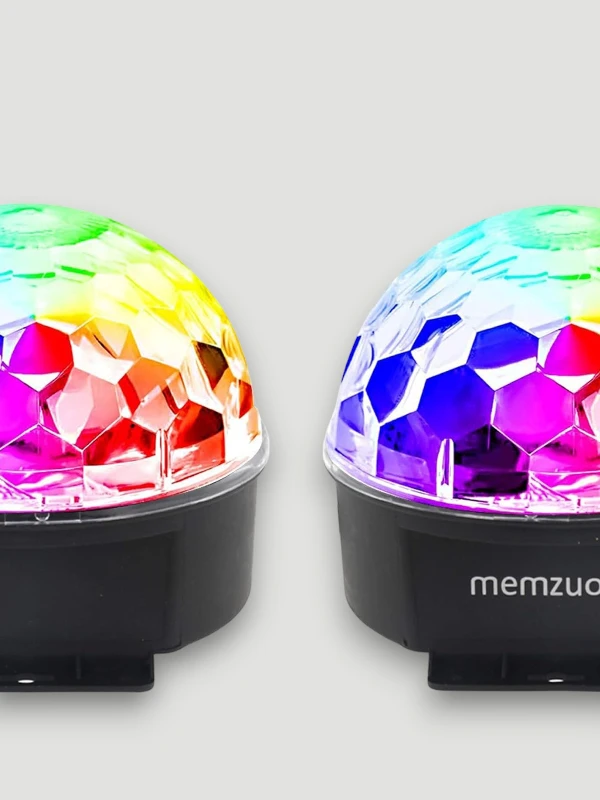
Disco Ball Light

Colorful LED disco lights to create dynamic lighting effects for parties and home setups.
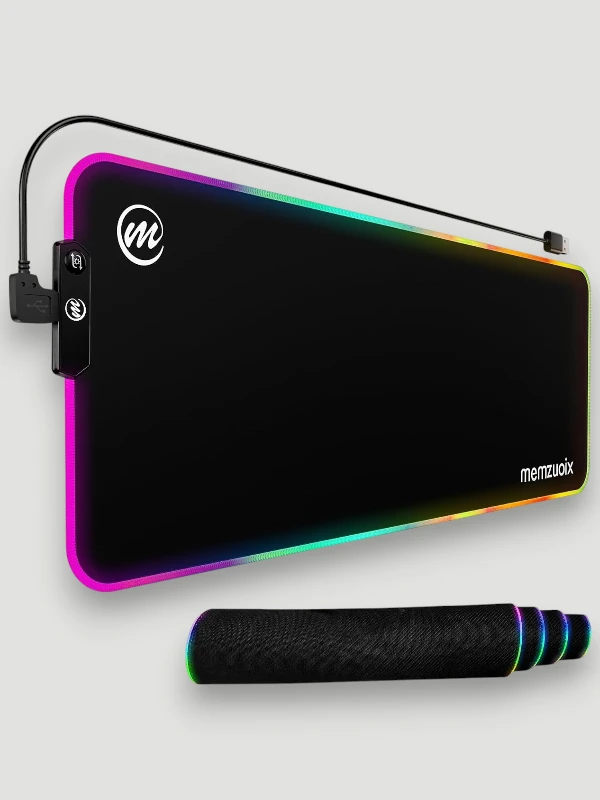
Mouse Pad

Smooth and durable mouse pads designed for precision, control and comfortable daily use.
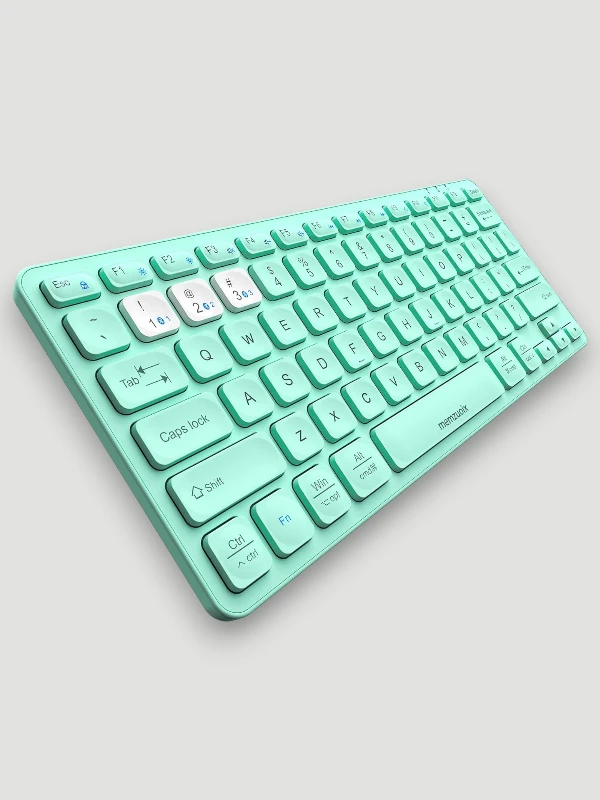
Keyboard

Responsive and stylish keyboards built for fast typing, comfort and reliable performance.

Bestsellers

Popular Memzuoix Picks for Work, Gaming & Everyday Use

Explore bestselling Memzuoix devices and accessories, from wireless mice and keyboards to portable displays and gaming-ready monitors.
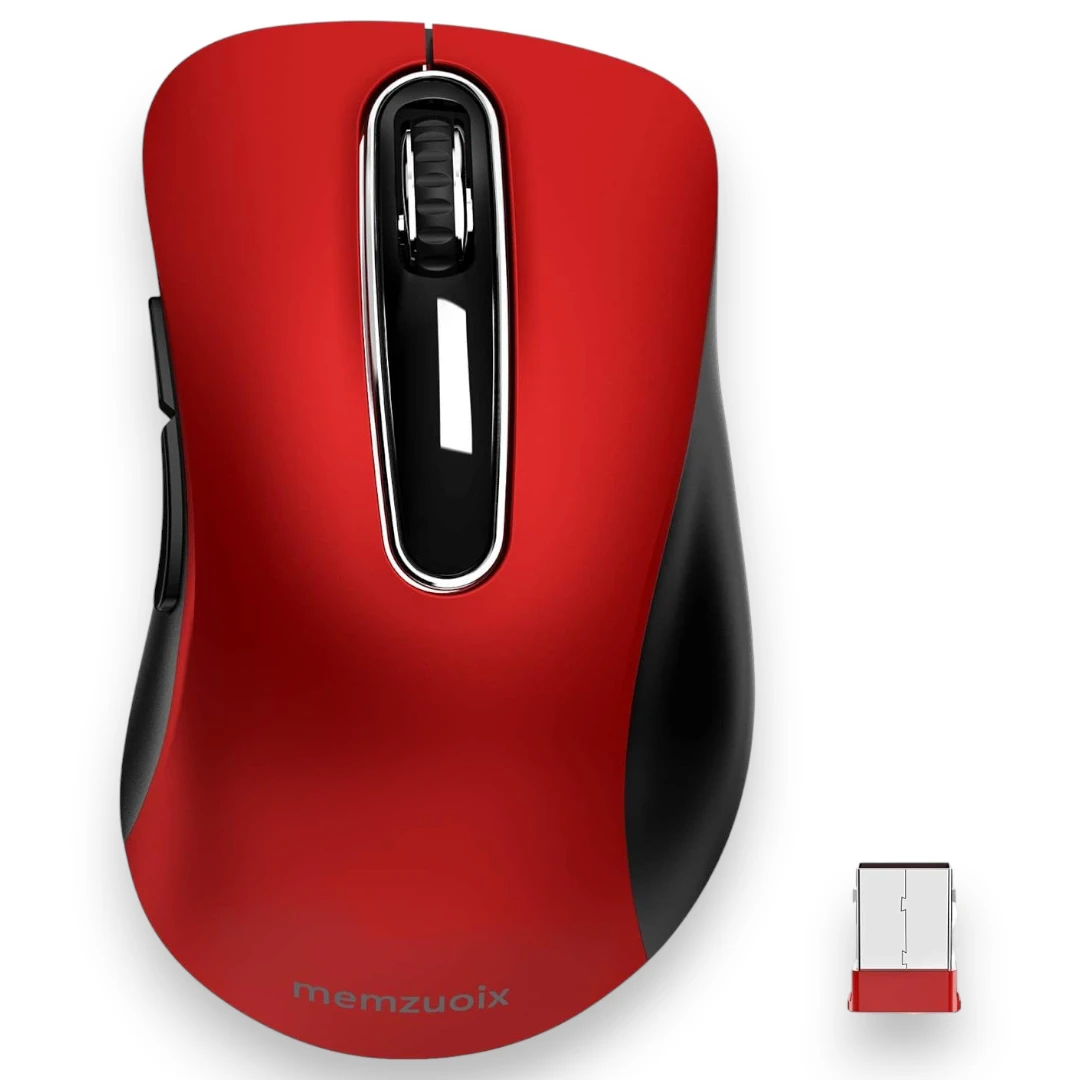
Memzuoix 2.4G Wireless Mouse

2.4G Wireless Mouse

Compact cordless mouse for everyday work, study and travel with smooth tracking and a comfortable shape.

  • 1400 DPI
  • 2.4G USB Receiver
  • 5 Buttons
  • Portable Design
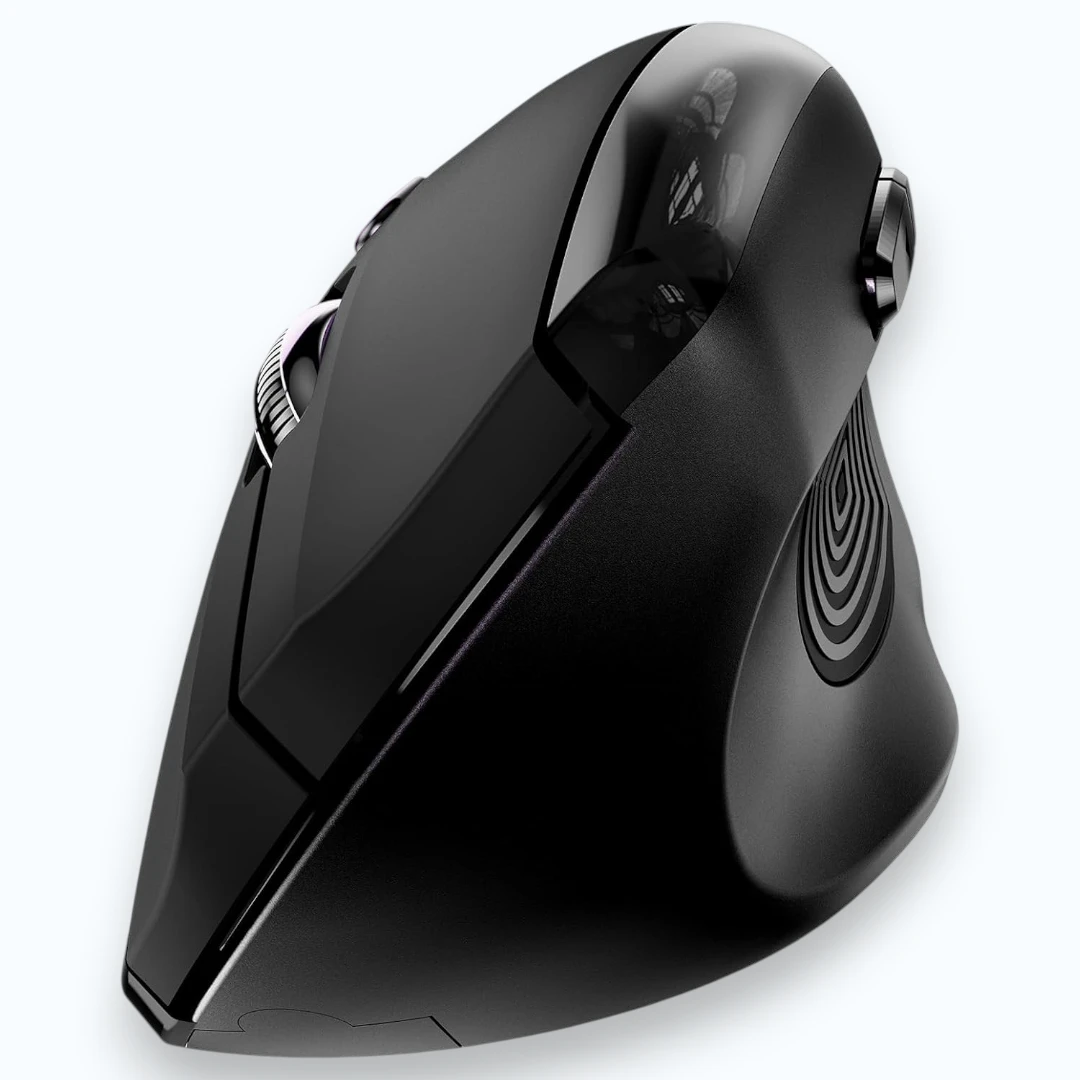
Memzuoix Ergonomic Vertical Wireless Mouse

Ergonomic Vertical Mouse

Right-hand ergonomic mouse designed to support a more natural grip and reduce strain during long sessions.

  • Vertical Shape
  • 800 / 1200 / 1600 DPI
  • Wireless USB
  • For Laptop & PC
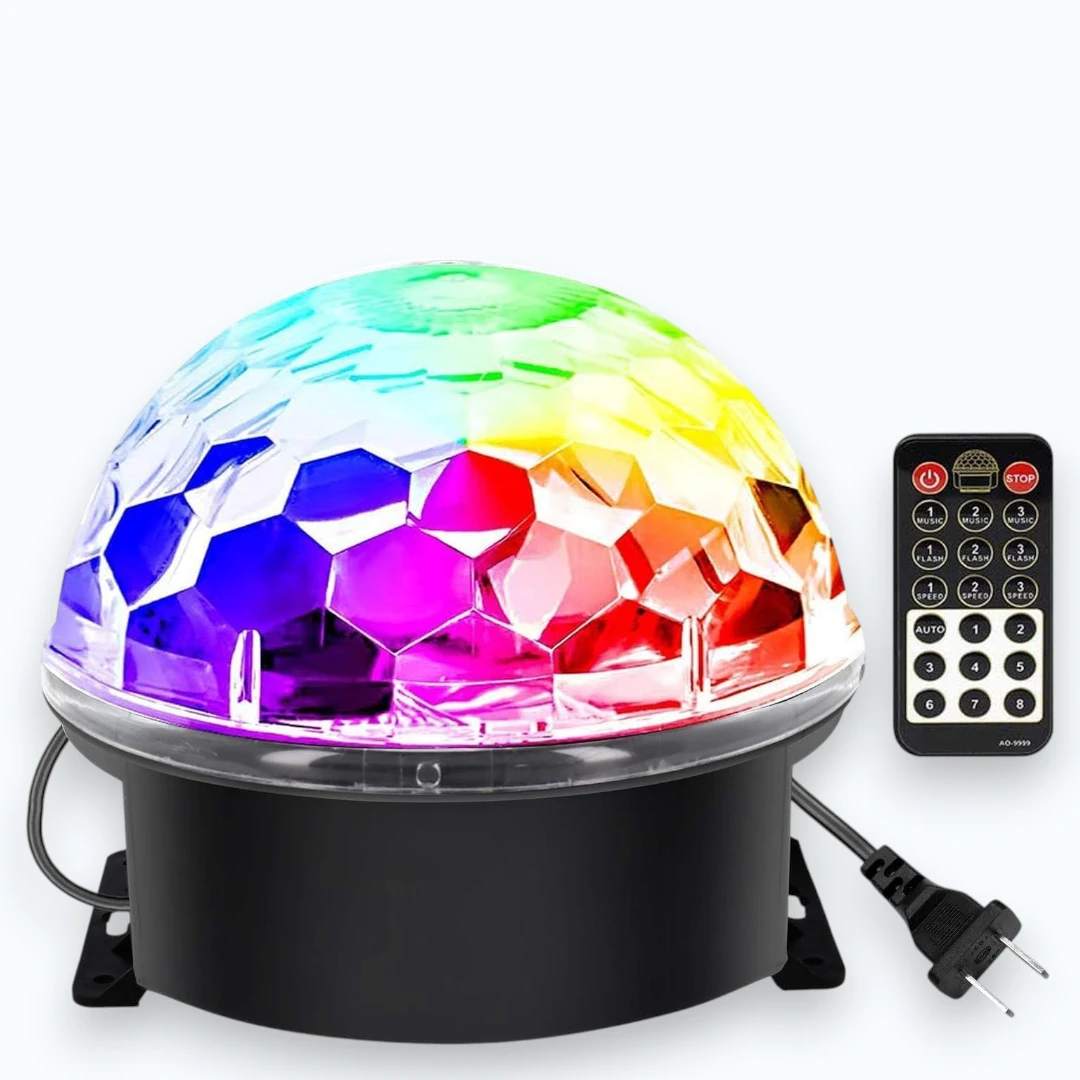
Memzuoix Disco Ball DJ Strobe Light

Disco Ball DJ Light

Sound-activated party light with vibrant color effects, remote control and easy plug-and-play setup.

  • 6 Colors
  • Sound Activated
  • Remote Control
  • Party Lighting
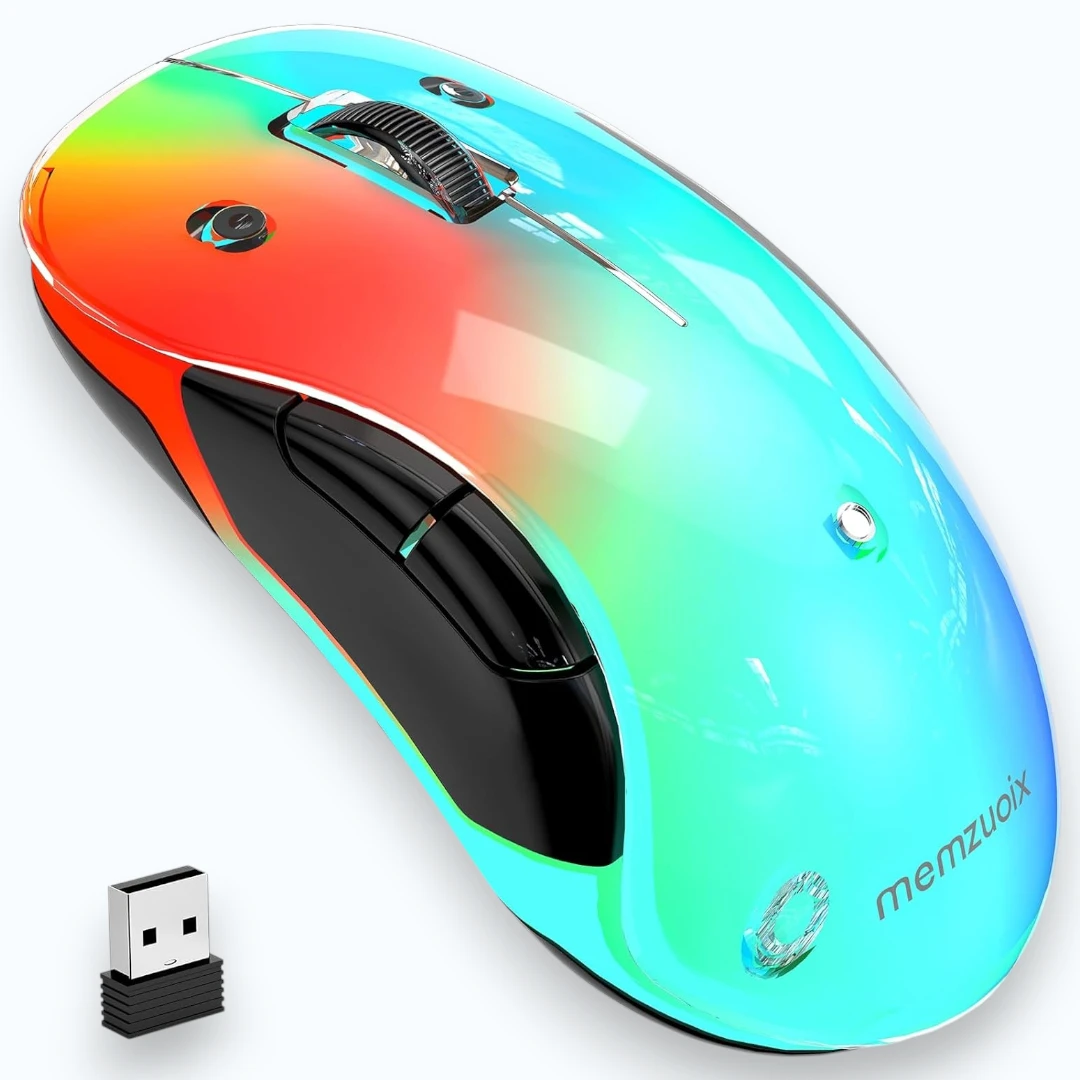
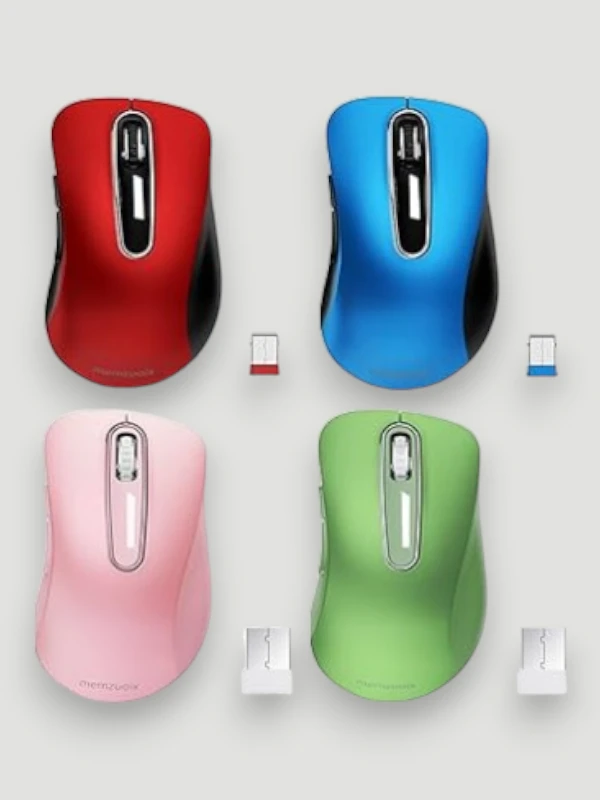
Memzuoix Aesthetic Wireless Mouse

Aesthetic Wireless Mouse

Stylish rechargeable mouse with LED accents, interchangeable covers and a compact shape for daily use.

  • Rechargeable
  • 1200 DPI
  • LED Lighting
  • Custom Covers
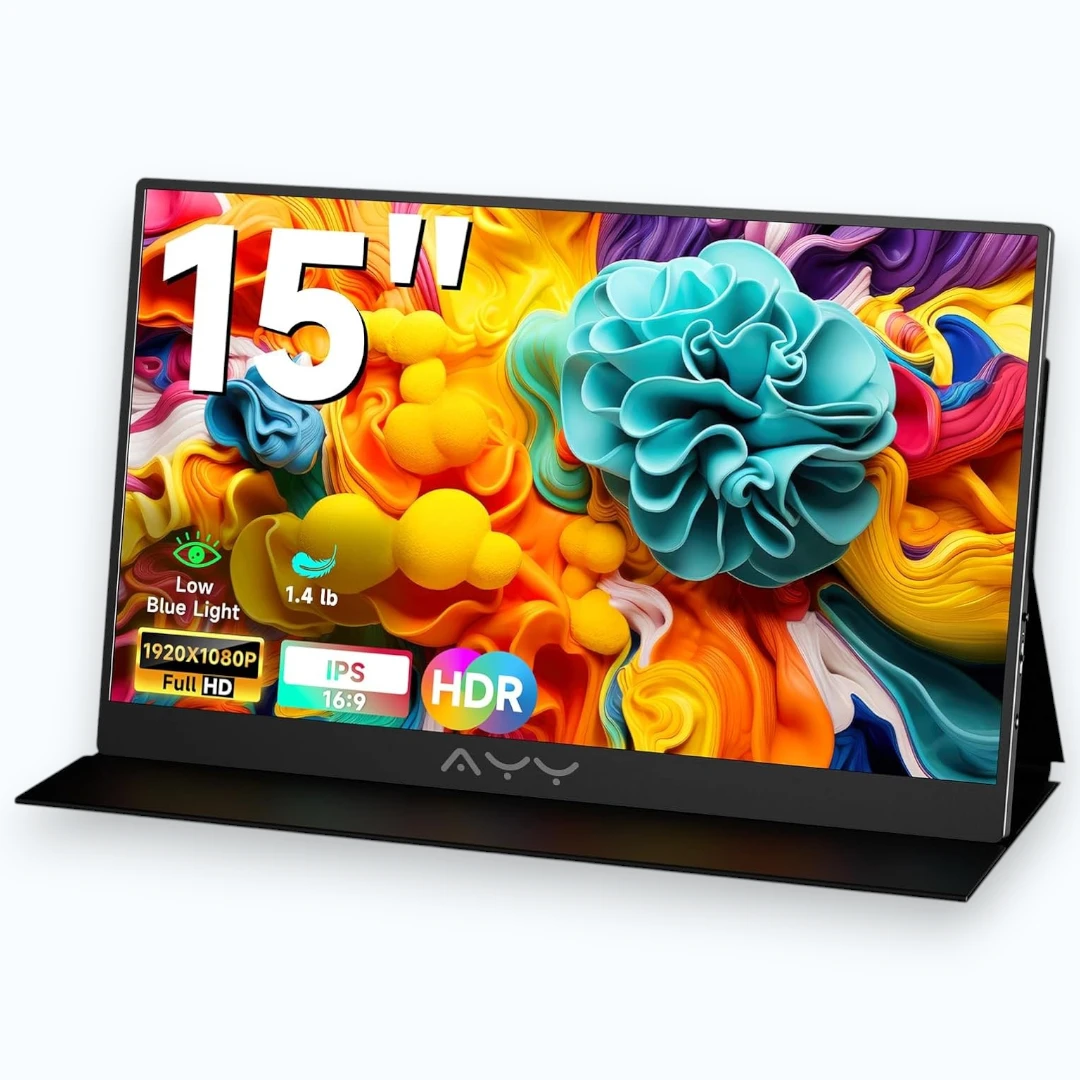
Memzuoix 15 inch Portable Monitor

15" Portable Monitor

Slim portable display with crisp Full HD visuals, wide color coverage and flexible connectivity for travel or desk setups.

  • FHD 1080P
  • 100% sRGB
  • USB-C & HDMI
  • Built-in Speakers
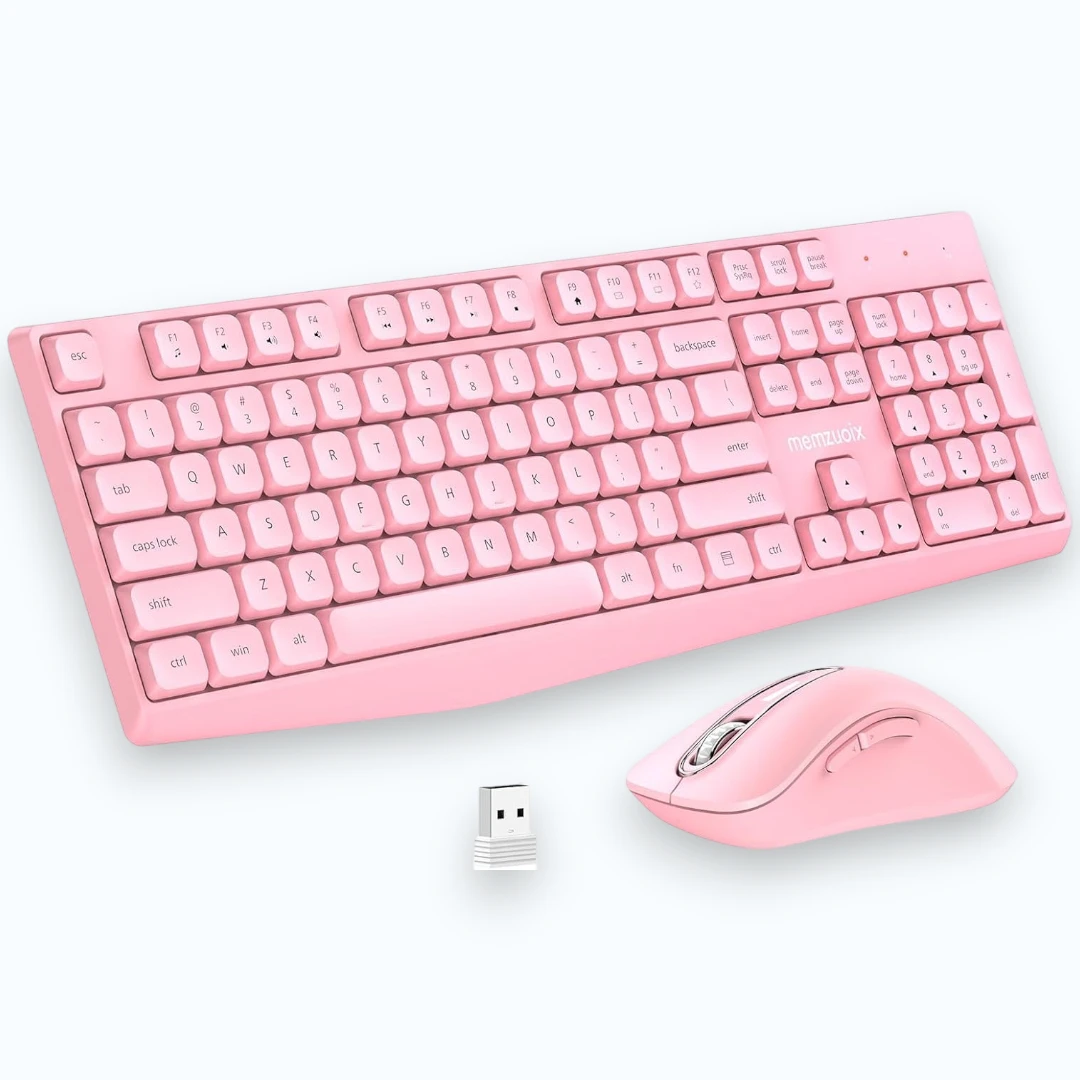
Memzuoix Wireless Keyboard and Mouse Combo

Wireless Keyboard & Mouse Combo

Full-size wireless combo with a lag-free connection, comfortable layout and simple plug-and-play setup.

  • Full-Size Keyboard
  • 2.4G Wireless
  • One USB Receiver
  • Windows & Mac
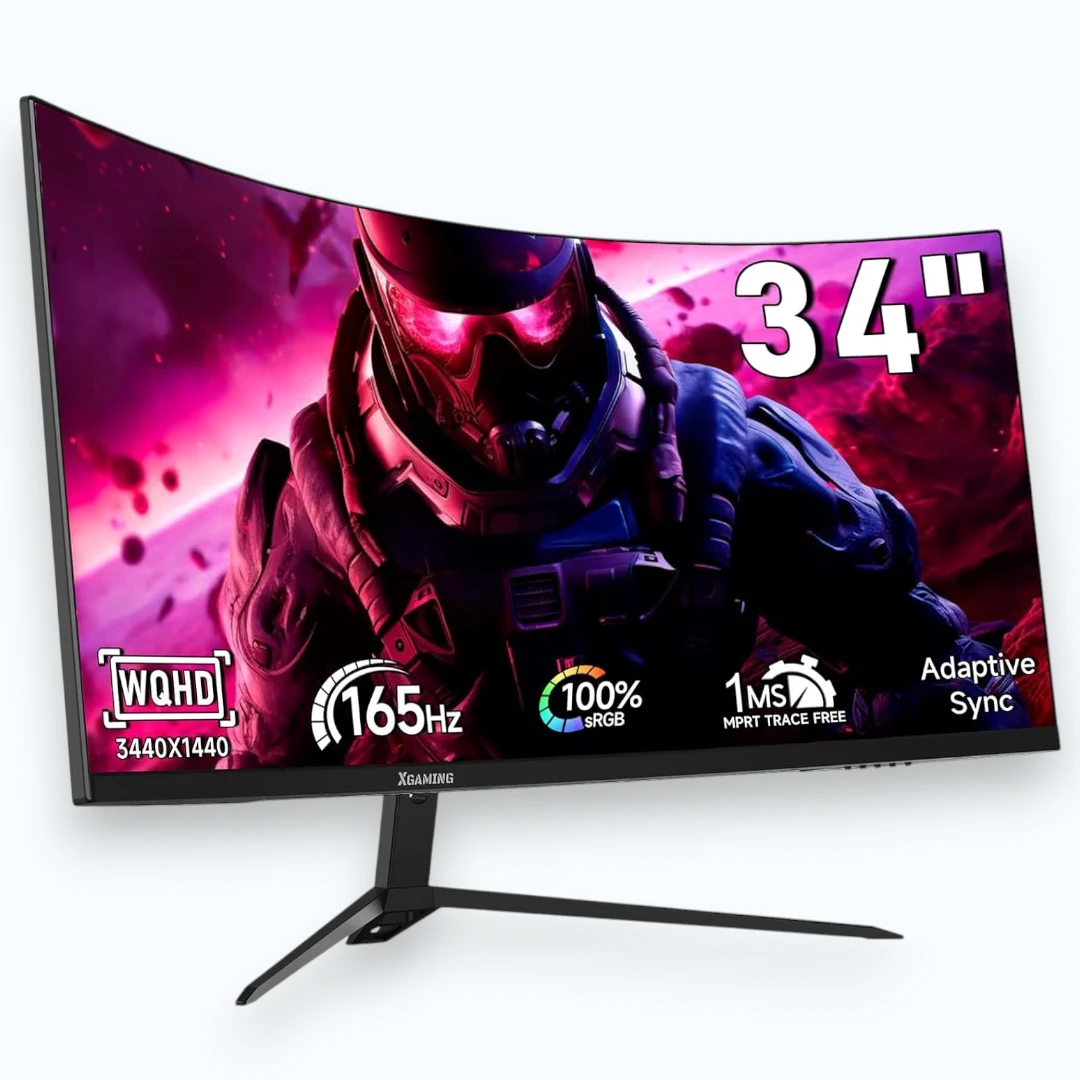
Memzuoix 34 inch Curved Gaming Monitor

34" Curved Gaming Monitor

Immersive curved monitor built for smooth gameplay, vivid detail and a wider field of view.

  • 34" Curved Screen
  • WQHD
  • 165Hz Refresh Rate
  • Gaming Ready
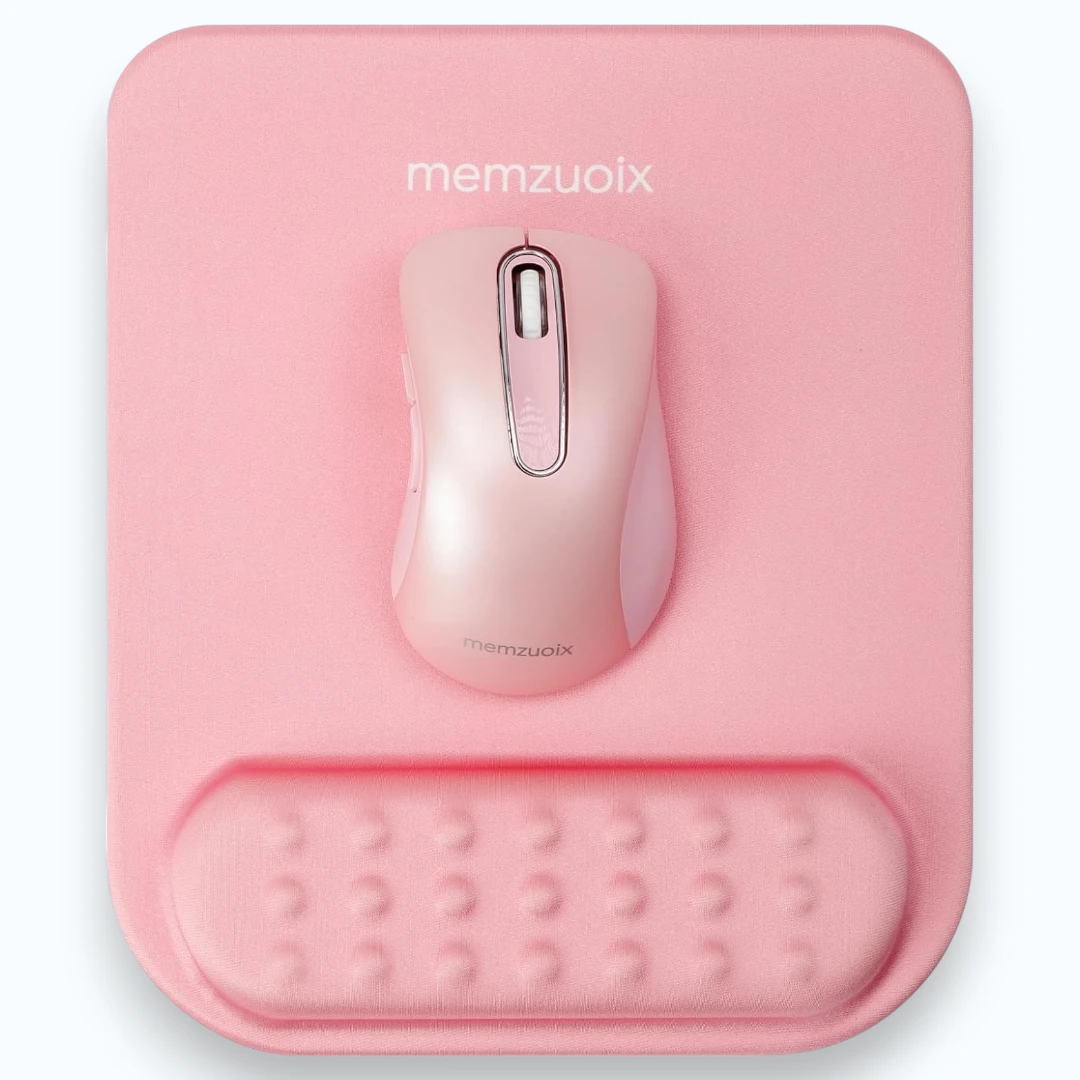
Memzuoix Ergonomic Mouse Pad with Wrist Rest

Mouse Pad with Wrist Rest

Soft ergonomic mouse pad with memory foam support for smoother control and better comfort at the desk.

  • Memory Foam
  • Wrist Support
  • Non-Slip Base
  • Office & Home Use
Why Choose

Why Choose Memzuoix

Memzuoix combines practical design, easy setup and reliable everyday performance across mice, keyboards, monitors and accessories.

Easy Plug & Play

No complicated setup or extra steps — just connect your device and get started in seconds.

Wide Compatibility

Works with laptops, desktops and popular systems including Windows, Mac and more.

Ergonomic Comfort

Designed for smoother daily use with shapes and features that support comfort over longer sessions.

Reliable Performance

Stable connectivity, responsive controls and consistent results for work, study and everyday tasks.

Affordable Quality

A smart balance of function, design and value, making Memzuoix a practical choice for everyday setups.

Setup & Support

How to Connect and Use Memzuoix Devices

Get started quickly with simple setup steps, driver guidance and practical troubleshooting tips for Memzuoix wireless mice and accessories.

How to Connect a Memzuoix Mouse

Most Memzuoix wireless mice are ready in just a few steps and work with laptops, desktops and everyday office setups.

  1. Insert the USB receiver into an available USB port.
  2. Install the battery or charge the mouse if the model is rechargeable.
  3. Turn the mouse on using the power switch.
  4. Wait a few seconds for the device to connect automatically.
  5. Move the mouse and test scrolling and buttons.
Tip: Some models store the USB receiver inside the mouse body or battery compartment.

Do Memzuoix Devices Need Drivers?

In most cases, Memzuoix wireless mice and keyboards do not require extra drivers for basic daily use.

  • Standard plug-and-play models usually work right after connection.
  • Windows and Mac often detect the device automatically.
  • Basic movement, clicking and scrolling typically work without manual installation.
  • If your system does not recognize the device, reconnect it and test another USB port.
For most everyday models, no separate driver download is needed to start using the device.

Memzuoix Mouse Not Working?

If your mouse is not responding, a few quick checks usually solve the issue without extra setup.

  • Make sure the mouse is switched on.
  • Check the battery or charge level.
  • Reconnect the USB receiver securely.
  • Try a different USB port on your laptop or PC.
  • Restart your device and test again.
  • Remove nearby connection interference if possible.
If the pointer still does not move, test the mouse on another computer to confirm whether the issue is with the device or the system.

Memzuoix setup is designed to stay simple. Most products are made for quick connection, easy everyday use and reliable performance without complicated installation.

Reviews

What People Like About Memzuoix

Practical design, easy setup and everyday comfort are some of the reasons Memzuoix products stand out for work, home and casual use.

“The mouse connected quickly and felt comfortable right away. It’s simple, reliable and works well for daily tasks.”
Office & Home Use
Easy setup • Everyday comfort
“The ergonomic design makes a noticeable difference during longer hours. It feels more natural than a standard mouse.”
Comfort-Focused Design
Ergonomic shape • Smoother use
“The portable monitor is easy to connect and surprisingly convenient for travel, work meetings and an extra screen at home.”
Flexible Everyday Setup
Portable display • Easy connection
“I like that the products feel practical instead of overcomplicated. Setup was quick and everything worked as expected.”
Simple & Practical Choice
Quick start • Daily reliability
“The keyboard and mouse combo looks clean on the desk and feels comfortable for typing, browsing and regular office work.”
Clean Desk Experience
Comfortable layout • Wireless setup
“Good balance between design, comfort and price. It feels like a practical brand for everyday tech accessories.”
Balanced Everyday Value
Useful features • Smart choice
Memzuoix products are designed for people who want simple setup, comfortable use and dependable everyday performance.
FAQ

Frequently Asked Questions

Find quick answers about Memzuoix wireless mice, keyboards, monitors and everyday setup.

How to connect a Memzuoix wireless mouse?

Insert the USB receiver into your laptop or PC, make sure the mouse has power, then switch it on. In most cases, the connection starts automatically within a few seconds.

Do Memzuoix mice need drivers?

Most Memzuoix wireless mice are plug and play and do not need extra drivers for basic use. Standard movement, scrolling and clicking usually work right after connection.

Why is my Memzuoix mouse not working?

First check the battery or charge level, then reconnect the USB receiver and try another USB port. If the mouse still does not respond, restart your computer and test the device again.

Are Memzuoix devices compatible with laptops and desktop computers?

Yes, many Memzuoix products are designed for everyday compatibility with laptops, desktop PCs and common office setups. Compatibility can vary by model, so it is always helpful to check the product details before purchase.

Can I use Memzuoix products with Mac?

Many Memzuoix accessories can be used with Mac for standard everyday functions. For the best experience, review the individual product listing and supported connection options.

Are Memzuoix keyboards and mice easy to set up?

Yes, most Memzuoix keyboards and mice are made for quick setup. Wireless models usually connect through a USB receiver, while basic daily functions work without complicated installation.

Do Memzuoix monitors work for work and gaming?

Memzuoix monitors are suitable for a variety of everyday needs, including office work, entertainment and gaming-focused setups. The best option depends on the size, resolution and refresh rate you need.

Where can I buy Memzuoix products?

You can explore a wide range of Memzuoix products through the official brand store page on Amazon, including wireless mice, keyboards, monitors and accessories.

Memzuoix products are designed for simple setup, broad compatibility and reliable everyday use.
Where to Buy

Where to Buy Memzuoix Products

Explore a wide selection of Memzuoix wireless mice, keyboards, monitors and accessories on Amazon. Compare models, check features and find the right device for your everyday setup.

Product availability may vary depending on your region.

Memzuoix offers practical computer accessories designed for everyday comfort, easy setup and reliable performance. Discover wireless mice, keyboards, monitors and accessories for work, home and daily use.

Contact

Address: 123 Tech Avenue, New York, NY 10001, USA

Working Hours

Monday – Friday: 9:00 – 19:00
Saturday: Closed
Sunday: Closed

© 2026 Memzuoix. All rights reserved.